
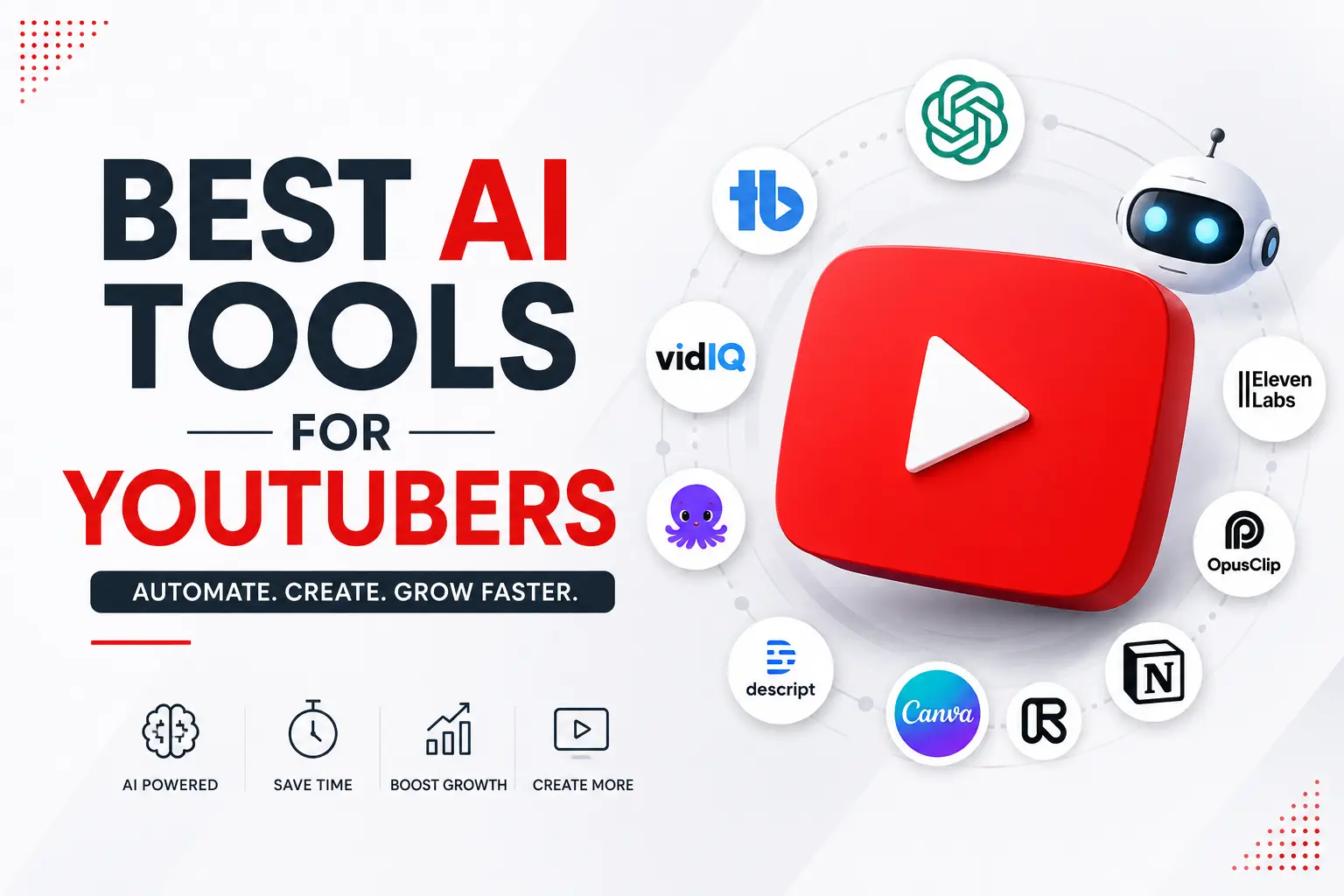
If you’re searching for the best AI tools for YouTubers, you’re in the right place. Modern creators are using AI to automate research, scriptwriting, video editing, voiceovers, thumbnail design, and SEO optimization. As competition on YouTube continues to grow, leveraging the right AI tools can give creators a significant advantage and help them scale faster than ever before.
YouTube has become one of the most powerful platforms for content creators, businesses, educators, and entrepreneurs. However, creating high-quality videos consistently can be time-consuming and expensive. From researching topics and writing scripts to editing videos and designing thumbnails, every step requires effort.
Fortunately, Artificial Intelligence is changing the game.
Today, AI-powered tools can automate a significant portion of the YouTube content creation process. As a result, creators can publish more videos, save countless hours, and focus on growing their channels rather than handling repetitive tasks.
In this comprehensive guide, you’ll discover the best AI tools for YouTube automation in 2026, how they work, their key features, and how you can combine them into a complete automated workflow.
What Is YouTube Automation?
Also read this
YouTube automation refers to using software, AI tools, and systems to streamline or automate different parts of content creation and channel management.
Instead of doing everything manually, creators use AI for:
- Topic research
- Keyword analysis
- Script writing
- Voice generation
- Video editing
- Thumbnail creation
- SEO optimization
- Publishing and scheduling
Consequently, channels can produce content faster while maintaining quality.
Why AI Is Revolutionizing YouTube Content Creation
The creator economy has become increasingly competitive. Every minute, hundreds of hours of content are uploaded to YouTube.
Therefore, creators need smarter workflows.
AI offers several advantages:
Faster Production
AI can reduce content creation time by up to 70%.
Lower Costs
Creators can eliminate the need for large production teams.
Better Consistency
Regular uploads become easier, which is crucial for YouTube growth.
Data-Driven Decisions
AI tools analyze trends, keywords, and audience behavior more effectively than manual research.
As a result, creators can focus on strategy while AI handles execution.
Best AI Tools for YouTube Automation in 2026
1. ChatGPT
Best For:
Script Writing, Content Ideas, Research
ChatGPT has become an essential tool for YouTubers. It can generate complete video scripts, video outlines, hooks, titles, descriptions, and even content calendars.
Key Features
- Long-form script generation
- Video topic research
- Viral title creation
- Audience analysis
- SEO-friendly descriptions
Why Creators Love It
Instead of spending hours researching and writing, creators can generate professional-quality scripts within minutes.
2. TubeBuddy
Best For:
YouTube SEO Optimization
TubeBuddy helps creators optimize videos for maximum visibility.
Key Features
- Keyword research
- Competitor analysis
- Tag suggestions
- Thumbnail testing
- SEO scoring
Benefits
Because YouTube is essentially a search engine, proper optimization can significantly increase views and discoverability.
3. VidIQ
Best For:
Channel Growth and Analytics
VidIQ provides advanced insights into what is currently trending in your niche.
Key Features
- AI-powered keyword suggestions
- Competitor tracking
- Trend alerts
- Channel audits
- Content planning
Moreover, VidIQ helps creators identify opportunities before competitors do.
4. ElevenLabs
Best For:
AI Voiceovers
Hiring voice artists can be expensive. However, ElevenLabs offers realistic AI voices that sound nearly human.
Key Features
- Natural voice generation
- Multiple accents
- Voice cloning
- Emotional speech capabilities
Popular Use Cases
- Faceless YouTube channels
- Educational content
- Documentary videos
- Business explainers
5. Descript
Best For:
Video Editing
Descript has transformed video editing by allowing creators to edit videos as easily as editing text.
Features
- AI editing
- Automatic captions
- Filler word removal
- Voice enhancement
- Screen recording
As a result, editing time can be reduced dramatically.
6. Pictory
Best For:
Text-to-Video Creation
Pictory converts scripts and blog posts into engaging videos automatically.
Features
- AI video generation
- Stock footage integration
- Automatic subtitles
- Social media exports
Therefore, creators can produce videos without traditional editing skills.
7. Canva AI
Best For:
Thumbnail Design
A compelling thumbnail can dramatically improve click-through rates.
Features
- AI image generation
- Thumbnail templates
- Background remover
- One-click resizing
Additionally, Canva enables creators to maintain consistent branding across their channels.
8. Opus Clip
Best For:
Short-Form Content Repurposing
Short-form content is dominating social media.
Opus Clip automatically transforms long videos into viral-ready clips for:
- YouTube Shorts
- Instagram Reels
- TikTok
- Facebook Reels
Benefits
Instead of manually creating clips, AI identifies the most engaging moments automatically.
9. Runway ML
Best For:
Advanced AI Video Creation
Runway ML is one of the most powerful AI video generation platforms available today.
Features
- Text-to-video generation
- AI background removal
- Motion tracking
- Video enhancement
Consequently, creators can produce cinematic content without expensive equipment.
10. Notion AI
Best For:
Content Planning
Every successful YouTube channel requires a strong content strategy.
Features
- Content calendars
- AI brainstorming
- Workflow management
- Team collaboration
Therefore, creators can stay organized while scaling their channels.
Complete AI-Powered YouTube Automation Workflow
Here’s how successful creators combine these tools:
Step 1: Research
Use ChatGPT + VidIQ
Step 2: Keyword Analysis
Use TubeBuddy
Step 3: Script Creation
Use ChatGPT
Step 4: Voiceover Generation
Use ElevenLabs
Step 5: Video Creation
Use Pictory or Runway ML
Step 6: Video Editing
Use Descript
Step 7: Thumbnail Design
Use Canva AI
Step 8: SEO Optimization
Use TubeBuddy
Step 9: Content Repurposing
Use Opus Clip
Step 10: Scheduling and Management
Use Notion AI
As a result, a single creator can manage multiple channels efficiently.
How Much Can You Save With AI Automation?
Traditional Workflow:
- Research: 3 hours
- Script Writing: 4 hours
- Voice Recording: 2 hours
- Editing: 5 hours
- Thumbnail Design: 1 hour
Total: 15+ Hours Per Video
AI Workflow:
- Research: 30 minutes
- Script Writing: 15 minutes
- Voice Generation: 10 minutes
- Editing: 1 hour
- Thumbnail Design: 15 minutes
Total: Less Than 3 Hours
Therefore, creators can increase output without sacrificing quality.
Common Mistakes to Avoid
Over-Automating Everything
AI should assist creativity, not replace it entirely.
Ignoring Audience Feedback
Human insights remain critical.
Publishing Without Editing
Always review AI-generated content.
Using Generic Thumbnails
Unique branding still matters.
Neglecting SEO
Even great videos need optimization.
Future of AI YouTube Automation
The future looks incredibly promising.
Experts predict AI will soon handle:
- Real-time video creation
- Automated content localization
- Personalized video experiences
- AI-generated animations
- Fully automated publishing systems
Consequently, creators who adopt AI early will have a significant competitive advantage.
Final Thoughts
AI tools for YouTube automation are no longer optional for serious creators. They have become essential for anyone looking to scale content production, save time, and stay competitive.
Whether you’re launching a faceless YouTube channel, growing a personal brand, or managing content for a business, the right combination of AI tools can dramatically improve efficiency and results.
Start with ChatGPT, TubeBuddy, Canva AI, and Descript. Then, as your channel grows, integrate advanced solutions like ElevenLabs, Pictory, Runway ML, and Opus Clip.
The creators who embrace AI today will likely dominate YouTube tomorrow.
Frequently Asked Questions (FAQs)
Is YouTube automation legal?
Yes. YouTube allows automation tools as long as content complies with platform policies and provides value to viewers.
Can AI completely run a YouTube channel?
Not entirely. Human creativity, strategy, and audience understanding are still essential.
Which AI tool is best for YouTube beginners?
ChatGPT is often the best starting point because it helps with research, ideas, scripts, and planning.
Can AI-generated videos get monetized?
Yes, provided they follow YouTube’s monetization policies and contain original value.
How much does YouTube automation cost?
A beginner setup can cost between $20 and $100 per month, depending on the tools used.
| Tool | Official Website |
|---|---|
| ChatGPT | AI script writing, content ideas, research |
| TubeBuddy | YouTube SEO & optimization |
| VidIQ | Keyword research & channel analytics |
| ElevenLabs | AI voice generation |
| Descript | Video & podcast editing |
| Pictory | Text-to-video creation |
| Canva | AI thumbnails & graphics |
| Opus Clip | Long video to Shorts/Reels |
| Runway | AI video generation & editing |
| Notion AI | Content planning & workflow management |