
Imagine this…
It’s 10:30 PM.
You’ve finally closed your shop, replied to a few customer messages, packed tomorrow’s orders, updated your inventory, and opened your laptop to post something on social media.
But you’re exhausted.
Your marketing is inconsistent, customer emails keep piling up, invoices still need to be created, and somehow there are never enough hours in the day.
If this sounds familiar, you’re not alone.
Millions of small business owners wake up every morning with one goal: to build something meaningful for their families, their employees, and their future. But wearing every hat—owner, marketer, accountant, customer support agent, and salesperson—can quickly become overwhelming.
The good news?
You don’t need a huge team or a six-figure budget anymore.
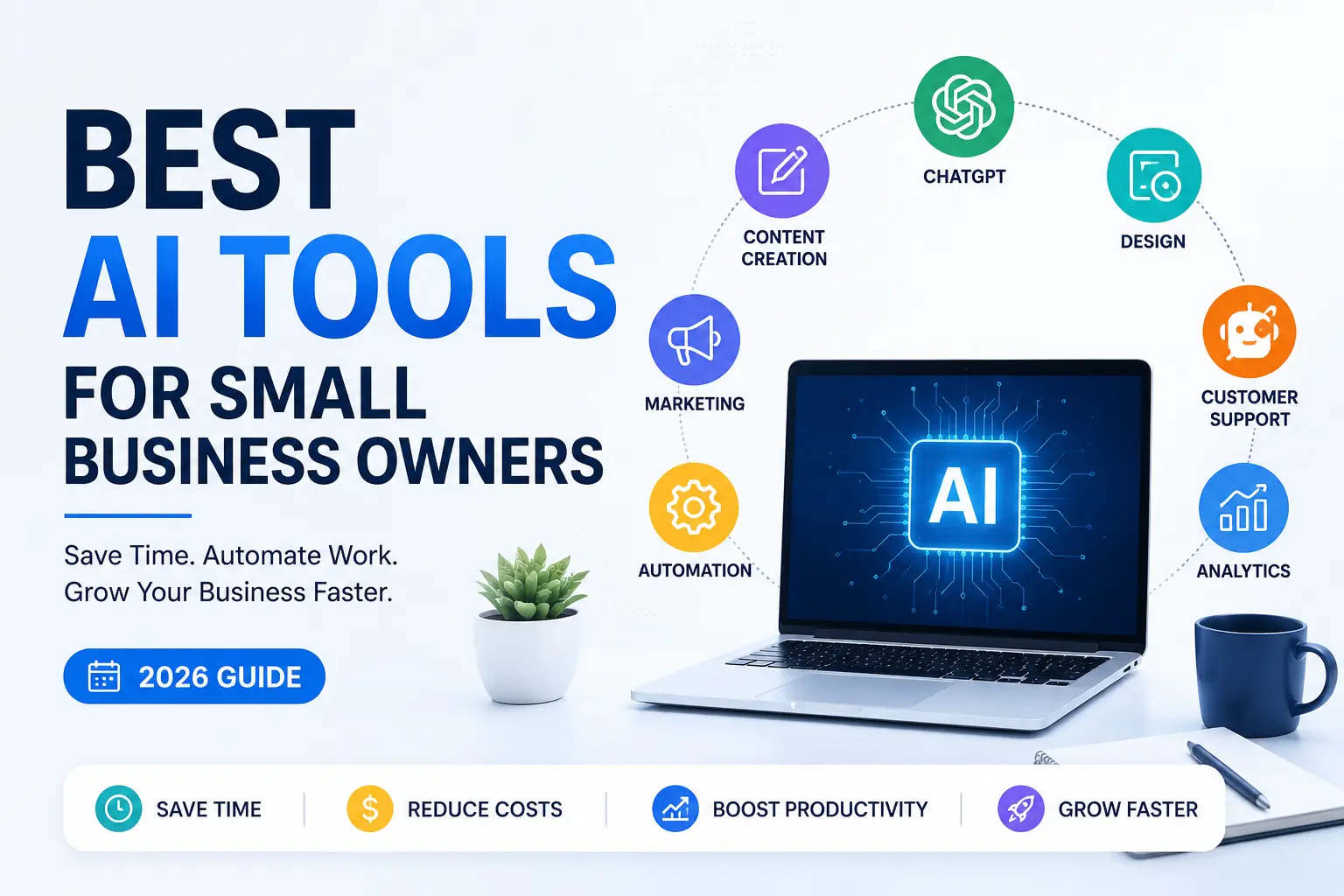
In 2026, Artificial Intelligence has become one of the most powerful business partners a small business owner can have. The right AI tools can write emails, design marketing graphics, answer customer questions, automate repetitive work, analyze business data, and even help you make smarter decisions—all while saving hours every week.
Think of AI not as a replacement for your hard work, but as an extra teammate that never gets tired.
In this guide, we’ve carefully selected the best AI tools for small business owners based on real-world usability, pricing, features, and overall value. Whether you’re running a local store, an online business, a startup, or a freelance service, you’ll find tools that can help you save time, reduce costs, and focus on what truly matters: growing your business.
Let’s explore the AI tools that can help turn long working days into smarter, more productive ones.
Why Small Businesses Need AI in 2026
Small businesses often operate with limited budgets and small teams. AI helps bridge that gap by improving productivity and reducing manual work.
Benefits include:
- Save hours every week
- Reduce operational costs
- Improve customer service
- Create marketing content faster
- Automate repetitive tasks
- Increase sales opportunities
- Make data-driven decisions
- Scale without hiring a large team
Businesses that adopt AI early gain a competitive advantage by responding faster, serving customers better, and making more informed decisions.
How We Selected These AI Tools
Every tool in this list was evaluated using the following criteria:
- Ease of use
- Value for money
- Features
- Automation capabilities
- Customer support
- Security
- Integrations
- Scalability
- Business use cases
- User popularity
Quick Comparison Table
| Tool | Best For | Free Plan | Starting Price |
|---|---|---|---|
| ChatGPT | Content & Productivity | Yes | Paid plans available |
| Claude | Long-form Writing | Yes | Paid plans available |
| Gemini | Google Workspace | Yes | Paid plans available |
| Canva AI | Design | Yes | Canva Pro available |
| Jasper | Marketing | No (trial availability may vary) | Subscription |
| Copy.ai | Sales Copy | Yes | Subscription |
| Notion AI | Documentation | No | Add-on pricing |
| Grammarly | Writing | Yes | Premium available |
| Zapier AI | Automation | Limited | Subscription |
| HubSpot AI | CRM | Yes | Paid tiers available |
1. ChatGPT
Best For
Content creation, customer support, brainstorming, business planning, coding assistance, email writing, and productivity.
Overview
ChatGPT has become one of the most versatile AI assistants for businesses. It helps owners write blog posts, product descriptions, proposals, emails, social media captions, FAQs, and customer responses in minutes.
It can also summarize documents, analyze spreadsheets, generate ideas, and assist with business strategy.
Key Features
- AI writing assistant
- Business planning
- Marketing content
- Customer support replies
- Data analysis
- Code generation
- Translation
- Research assistance
Pros
- Extremely versatile
- Beginner-friendly
- High-quality responses
- Supports multiple languages
- Great for brainstorming
Cons
- May require fact-checking for sensitive topics
- Some advanced features are available only on paid plans
Pricing
- Free plan available
- Paid plans unlock additional capabilities and higher limits
Best For
Businesses that need an all-in-one AI assistant.
2. Claude
Best For
Long-form writing, policy documents, reports, contracts, and research.
Overview
Claude excels at handling long documents and maintaining context across lengthy conversations. It’s particularly useful for businesses working with proposals, documentation, reports, and knowledge bases.
Key Features
- Long context window
- Excellent writing quality
- Document analysis
- Business reports
- Safe AI responses
Pros
- Great for lengthy documents
- Strong reasoning
- Natural writing style
Cons
- Fewer third-party integrations than some competitors
Best For
Consultants, agencies, legal teams, and service businesses.
3. Google Gemini
Best For
Businesses already using Google Workspace.
Overview
Gemini integrates with Gmail, Google Docs, Sheets, Drive, and Meet, making it a strong choice for companies relying on Google’s productivity ecosystem.
Features
- Gmail assistance
- Document creation
- Spreadsheet analysis
- AI search
- Meeting summaries
- Workspace integration
Pros
- Deep Google integration
- Fast responses
- Excellent productivity features
Cons
- Best experience is within the Google ecosystem
4. Canva AI
Best For
Graphic design and marketing.
Overview
Canva AI enables small businesses to create professional social media graphics, presentations, advertisements, logos, brochures, videos, and marketing materials without hiring a designer.
Features
- Magic Design
- AI image generation
- Background remover
- Magic Write
- Brand Kit
- Video editing
Pros
- Beginner friendly
- Thousands of templates
- Saves design costs
Cons
- Some premium assets require Canva Pro
5. Jasper AI
Best For
Marketing teams and content creators.
Overview
Jasper is designed specifically for marketing. It helps create SEO blog posts, advertisements, landing pages, product descriptions, email campaigns, and social media content at scale while maintaining a consistent brand voice.
Features
- Brand Voice
- SEO content
- Marketing templates
- Campaign creation
- Team collaboration
Pros
- Excellent for businesses producing lots of marketing content
- Strong workflow features
- Built for teams
Cons
- More expensive than general-purpose AI assistants
- Best value for organizations with ongoing content needs
6. Copy.ai
Best For:
Sales copy, email campaigns, product descriptions, and marketing content.
Imagine This…
You have an amazing product.
Your customers love it.
But when it’s time to write a Facebook ad, a product description, or a promotional email, you stare at a blank screen wondering, “What should I write?”
Many small business owners lose sales not because of poor products—but because their message doesn’t connect.
That’s where Copy.ai steps in.
Instead of spending hours trying to write the perfect marketing copy, Copy.ai generates persuasive, conversion-focused content in seconds.
Whether you’re launching a new product or promoting a seasonal offer, it helps you write like a professional marketer.
Key Features
- Product descriptions
- Facebook & Google Ads
- Sales emails
- Landing page copy
- Blog outlines
- Social media captions
- Brand voice customization
Pros
✅ Saves hours of writing
✅ Great for eCommerce businesses
✅ Beginner-friendly interface
✅ Supports multiple content formats
Cons
❌ Long-form articles may still need editing
❌ Premium plans are better suited for heavy users
Best For
- Shopify Stores
- Amazon Sellers
- Local Businesses
- Marketing Agencies
- Freelancers
Real Business Example
A small handmade candle business launches five new fragrances every month.
Instead of spending an entire weekend writing product descriptions, emails, and Instagram captions, the owner uses Copy.ai to generate first drafts in minutes—freeing up more time to focus on creating great products.
7. Grammarly
Best For:
Professional writing and error-free communication.
Your customers judge your business long before they buy.
Sometimes, all it takes is one email filled with spelling mistakes or an awkward sentence to make your brand look less professional.
Grammarly acts like a personal editor working quietly in the background.
It checks grammar, spelling, clarity, tone, and readability while helping your writing sound more confident and polished.
Whether you’re writing proposals, newsletters, customer emails, or website content, Grammarly helps you make a stronger first impression.
Features
- Grammar correction
- Tone suggestions
- AI rewriting
- Email improvements
- Plagiarism checking (selected plans)
- Style recommendations
Pros
✔ Extremely easy to use
✔ Works almost everywhere
✔ Improves professionalism
Cons
✖ Advanced features require a paid subscription
Best For
Every small business owner who communicates with customers online.
8. Notion AI
Best For:
Business organization, documentation, project management, and knowledge sharing.
Running a business means managing dozens of moving parts every day.
Meeting notes.
Employee SOPs.
Client information.
Ideas.
Invoices.
Marketing plans.
Passwords.
Without a system, important information quickly becomes scattered across notebooks, chats, and folders.
Notion AI helps organize everything into one searchable workspace.
It can summarize meeting notes, draft documents, brainstorm ideas, and even help create workflows.
Think of it as your company’s digital brain.
Features
- AI writing
- Meeting summaries
- Task management
- Project planning
- Team collaboration
- Knowledge base
Pros
✔ Perfect for growing teams
✔ Saves time on documentation
✔ Keeps information organized
Cons
✖ Can feel overwhelming for first-time users
Best For
Startups
Remote Teams
Consultants
Creative Agencies
9. Gamma
Best For:
Creating presentations without design skills.
Most business presentations look… ordinary.
And creating one from scratch often takes hours.
Gamma changes that.
Simply describe your topic, and it generates a beautiful, modern presentation complete with layouts, visuals, and structured content.
Whether you’re pitching investors, presenting to clients, or training employees, Gamma helps you look more professional with far less effort.
Features
- AI presentations
- Interactive documents
- Professional templates
- Collaboration tools
- One-click redesign
Pros
✔ Saves hours
✔ Modern designs
✔ Easy editing
Cons
✖ Limited customization compared with traditional presentation software
Best For
Business pitches
Sales teams
Consultants
Teachers
Entrepreneurs
10. Perplexity AI
Best For:
Research and fact-based business decisions.
Good decisions require good information.
Whether you’re researching competitors, industry trends, customer behavior, or new opportunities, searching through dozens of websites wastes valuable time.
Perplexity AI provides concise answers while pointing you toward supporting sources, making research much faster.
Instead of opening twenty browser tabs, you can begin with a clear overview and then explore the referenced material as needed.
Features
- AI-powered search
- Source-backed answers
- Research summaries
- Market insights
- Fast information retrieval
Pros
✔ Quick research
✔ Easy to understand
✔ Helpful for business planning
Cons
✖ Always verify important business or legal information before acting on it
Best For
Market Research
Competitor Analysis
Business Strategy
Students
Entrepreneurs
11. Fireflies.ai
Best For:
Meeting notes and team collaboration.
Have you ever finished a meeting and immediately forgotten half of what was discussed?
It happens more often than we’d like to admit.
Fireflies.ai automatically records, transcribes, and summarizes meetings, helping you capture key decisions and action items without frantic note-taking.
Instead of focusing on writing everything down, you can focus on the conversation itself.
Features
- AI meeting transcription
- Automatic summaries
- Searchable meeting history
- Action items
- CRM integrations
Pros
✔ Saves time
✔ Improves accountability
✔ Easy to search past meetings
Cons
✖ Accuracy depends on audio quality
Best For
Remote Teams
Sales Teams
Consultants
Recruiters
12. Zapier AI
Best For:
Business automation.
Imagine this.
Every time a customer fills out your website form…
- A welcome email is sent automatically.
- Their details are added to your CRM.
- Your team receives a Slack notification.
- A task is created in your project management software.
- An invoice workflow begins.
No manual work.
That’s the power of automation.
Zapier connects thousands of business apps, allowing repetitive tasks to happen automatically.
For small businesses, that means fewer repetitive clicks and more time spent serving customers and growing the business.
Features
- AI workflow builder
- Multi-app automation
- CRM integration
- Email automation
- Task automation
- No-code workflows
Pros
✔ Saves hundreds of hours
✔ Connects thousands of apps
✔ Easy automation
Cons
✖ Advanced workflows may require higher-tier plans
Best For
Small Businesses
Marketing Teams
eCommerce Stores
Agencies
Freelance
Frequently Asked Questions (FAQs)
1. What are the best AI tools for small business owners?
Some of the best AI tools include ChatGPT, Claude, Google Gemini, Canva AI, Jasper AI, Notion AI, Zapier AI, and HubSpot AI. The right choice depends on your business needs.
2. Are AI tools free to use?
Yes. Many AI tools offer free plans with basic features. You can upgrade to paid plans as your business grows.
3. Which AI tool is best for marketing?
Canva AI, Jasper AI, and ChatGPT are among the best options for creating social media posts, ads, blogs, and email campaigns.
4. Can AI help save time for small businesses?
Absolutely. AI can automate repetitive tasks like content creation, customer support, scheduling, and data analysis, helping you save time and improve productivity.
5. How do I choose the right AI tool?
Identify your biggest business challenge first, then choose a tool that solves it. Start with one or two AI tools before investing in multiple platforms.