
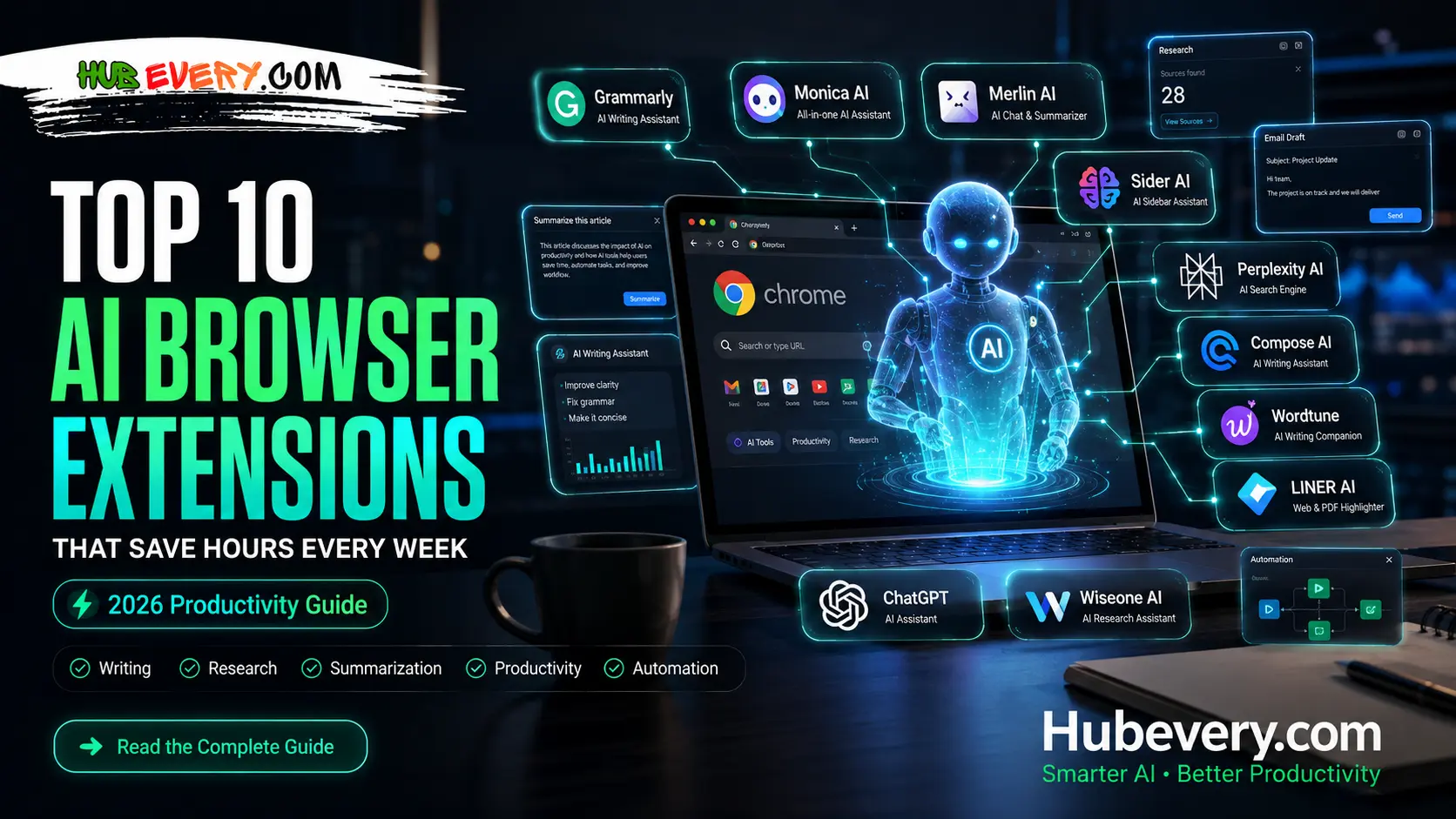
What You’ll Learn in This Guide
In this guide, you’ll discover the 10 best AI browser extensions that can help you work smarter and save hours every week. Whether you’re a student, blogger, marketer, freelancer, or business professional, these tools can boost your daily productivity. You’ll learn what each extension does, its key features, and the best use cases for different tasks. We’ll cover AI tools for writing, research, email drafting, content summarization, grammar checking, and workflow automation. You’ll also find out which extensions are best for Chrome and other Chromium-based browsers. This guide compares popular AI extensions in a simple and easy-to-understand format, making it easier to choose the right one for your needs. By the end of this article, you’ll know which AI browser extensions deserve a place in your browser and how they can help you save time every single week.
Top 10 AI Browser Extensions That Save Hours Every Week (2026)
1. Grammarly
Grammarly एक AI-powered writing assistant है जो आपकी spelling, grammar, punctuation और writing tone को बेहतर बनाता है। यह Gmail, Google Docs, LinkedIn और लगभग हर वेबसाइट पर काम करता है।
Best Use: Emails, blogs, reports और professional writing को जल्दी और error-free बनाना।
2. Monica AI
Monica AI एक all-in-one browser assistant है जो ChatGPT, Claude और Gemini जैसे AI models का इस्तेमाल करके writing, translation, summarization और research में मदद करता है।
Best Use: Content writing, email replies, webpage summaries और AI chat।
3. Merlin AI
Merlin AI आपको Google Search, Gmail, LinkedIn, YouTube और दूसरी वेबसाइटों पर AI assistance देता है। यह content generate करने और research को आसान बनाता है।
Best Use: Research, social media content और email drafting।
4. Sider AI
Sider AI browser के sidebar में AI assistant उपलब्ध कराता है जिससे आप webpage summarize, PDF analyze और content generate कर सकते हैं।
Best Use: Students, bloggers और researchers के लिए।
5. Perplexity AI Extension
Perplexity AI आपको source-based answers और fast research करने में मदद करता है। यह traditional search engine की तुलना में ज्यादा focused results देता है।
Best Use: Research, fact-checking और learning।
6. Compose AI
Compose AI typing speed बढ़ाने के लिए AI autocomplete का इस्तेमाल करता है। यह पूरे sentence और emails automatically complete कर देता है।
Best Use: Emails, documents और repetitive writing।
7. Wordtune
Wordtune आपके sentences को rewrite करके उन्हें ज्यादा natural, professional और readable बनाता है।
Best Use: Content editing और writing improvement।
8. LINER AI
LINER AI किसी भी webpage, PDF या article का quick summary देता है और important information highlight करता है।
Best Use: Research papers, blogs और online articles पढ़ना।
9. ChatGPT Browser Extension
यह extension ChatGPT को सीधे browser में integrate करता है ताकि आप किसी भी webpage पर AI assistance ले सकें।
Best Use: Coding, writing, brainstorming और instant answers.
10. Wiseone AI
Wiseone AI कठिन articles और research content को आसान भाषा में समझाता है। साथ ही related information भी suggest करता है।
Best Use: Students, professionals और researchers
Final Thoughts
अगर आपका ज़्यादातर समय browser में ही गुजरता है, तो ये AI browser extensions हर हफ्ते कई घंटे बचा सकते हैं। Writing से लेकर research, email drafting, summarization और productivity तक, हर काम के लिए एक सही AI extension मौजूद है।
मेरी Recommendation:
- Best Overall: Monica AI
- Best for Writing: Grammarly
- Best for Research: Perplexity AI
- Best for Summaries: Sider AI
- Best for Fast Typing: Compose AI
इस तरह का फॉर्मेट SEO के लिए भी अच्छा है और यूज़र को जल्दी जानकारी भी मिल जाती है।
iske liye faqs bhi do 5
FAQs – Top 10 AI Browser Extensions That Save Hours Every Week
1. What is an AI browser extension?
An AI browser extension is a tool that adds artificial intelligence features directly to your web browser. It can help with writing, summarizing articles, translating text, researching topics, answering questions, and automating repetitive tasks without leaving the webpage.
2. Which AI browser extension is best for productivity?
The best extension depends on your needs. Monica AI and Sider AI are excellent all-in-one productivity tools, while Grammarly is ideal for writing, and Perplexity AI is best for research and fact-checking.
3. Are AI browser extensions free to use?
Yes, many AI browser extensions offer free plans with basic features. However, premium subscriptions unlock advanced AI models, higher usage limits, faster responses, and additional productivity tools.
4. Can AI browser extensions work on any website?
Most popular AI browser extensions work on a wide range of websites, including Gmail, Google Docs, LinkedIn, YouTube, Google Search, and many other web pages. However, some features may vary depending on the platform.
5. Are AI browser extensions safe?
Reputable AI browser extensions are generally safe when downloaded from official browser stores or the developer’s website. Before installing any extension, review its permissions, privacy policy, and user ratings to ensure your data remains secure.